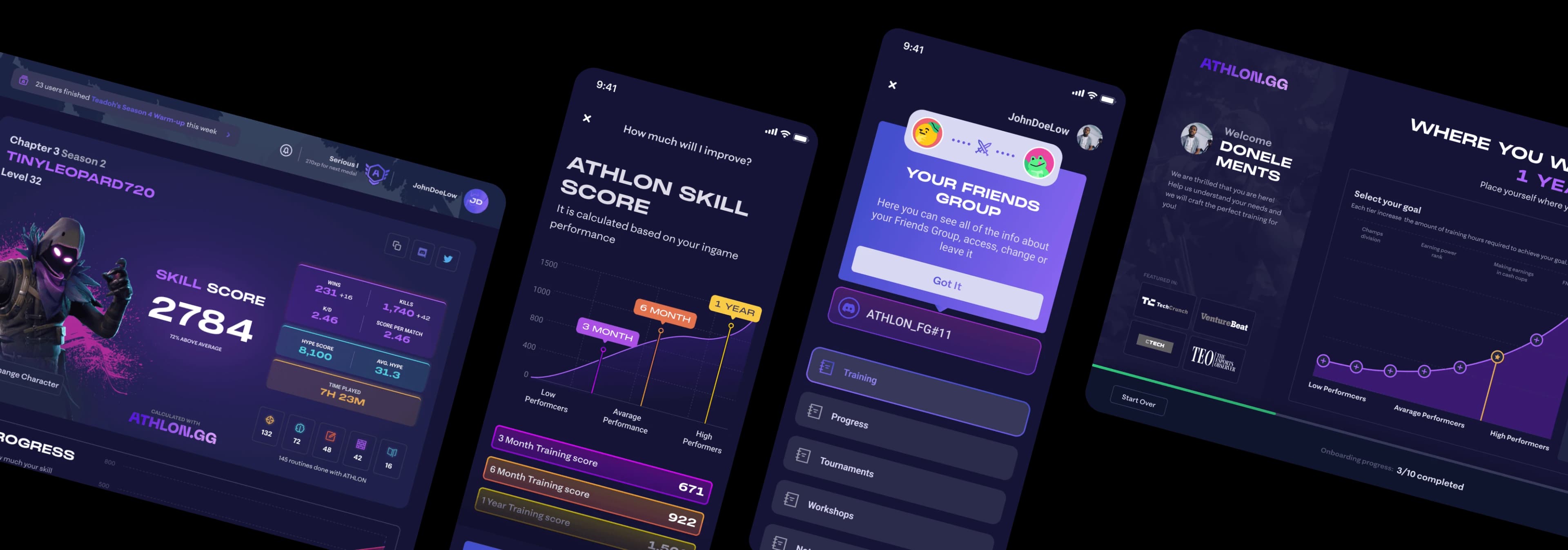
E-sports · Gaming
Increasing user adoption while making learning fun, engaging and easy.
The project aimed to provide Fortnite players with an opportunity to enhance their skills, incentivizing them with the possibility of pursuing a career as an esports professional or simply improving their gameplay. The platform prioritized learning with a systematic and enjoyable approach. My role was to design the planned features and develop the design system.
How to keep the learning process as thrilling & engaging as the game itself?
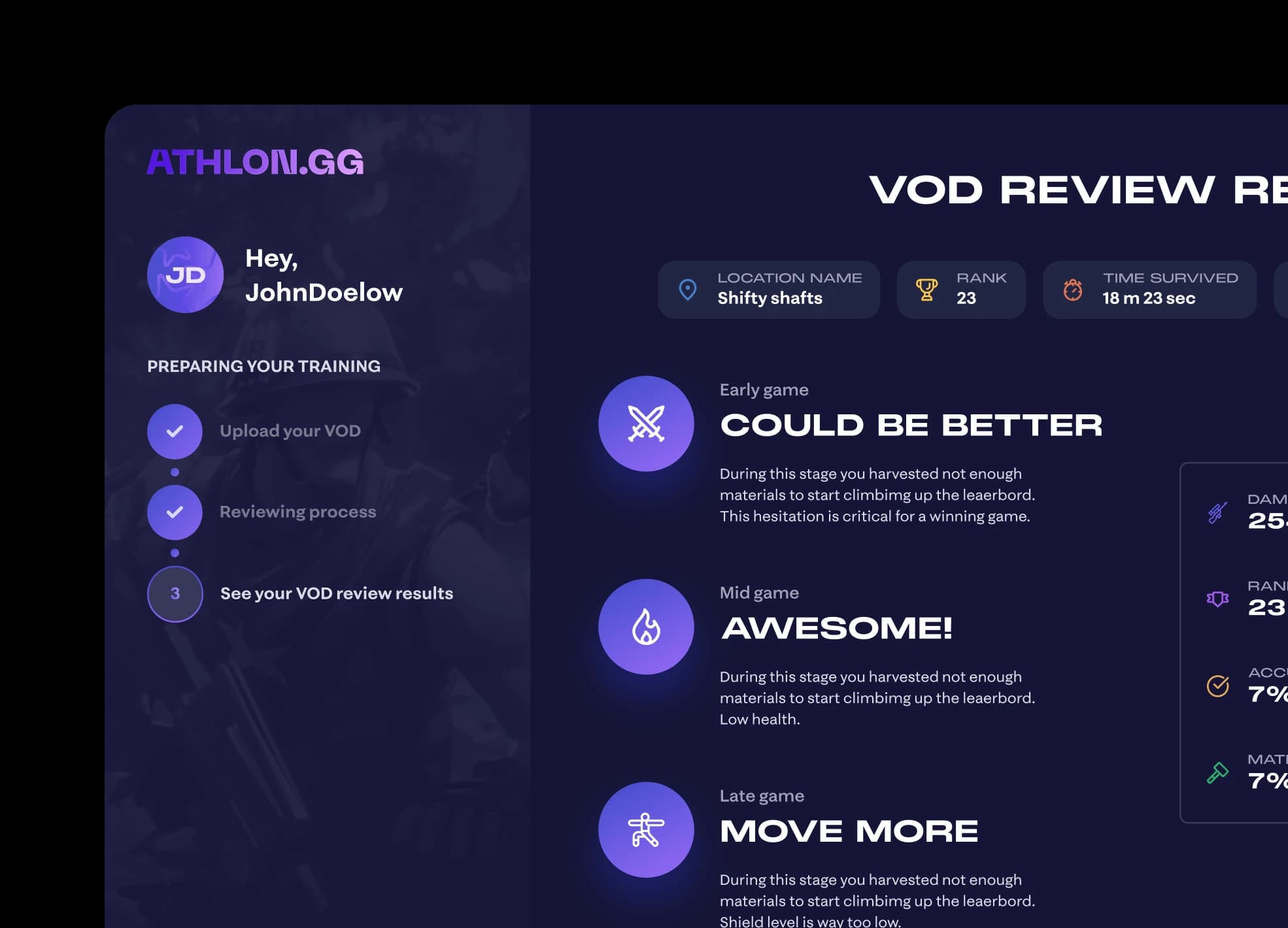
Research and preparation phase. Getting to know what we are dealing with and what's the plan.
First of all I went over the design process of deliverables resulting in a clear outline of the scope of work. As I tried Fortnite before the field is already familiar. Though, a brief secondary research was needed as there were some knowledge gaps in the competitive part of it.
From the research, I discovered such key insights: Consistency is important but hard. Practice is crucial to get skilled, but it's tough to be dedicated enough. Numbers and statistics are the key — in the community numbers mean a lot. Socialisation keeps consistency and adds a competitive edge.
Design process on the project was pretty straightforward:
1. Design system
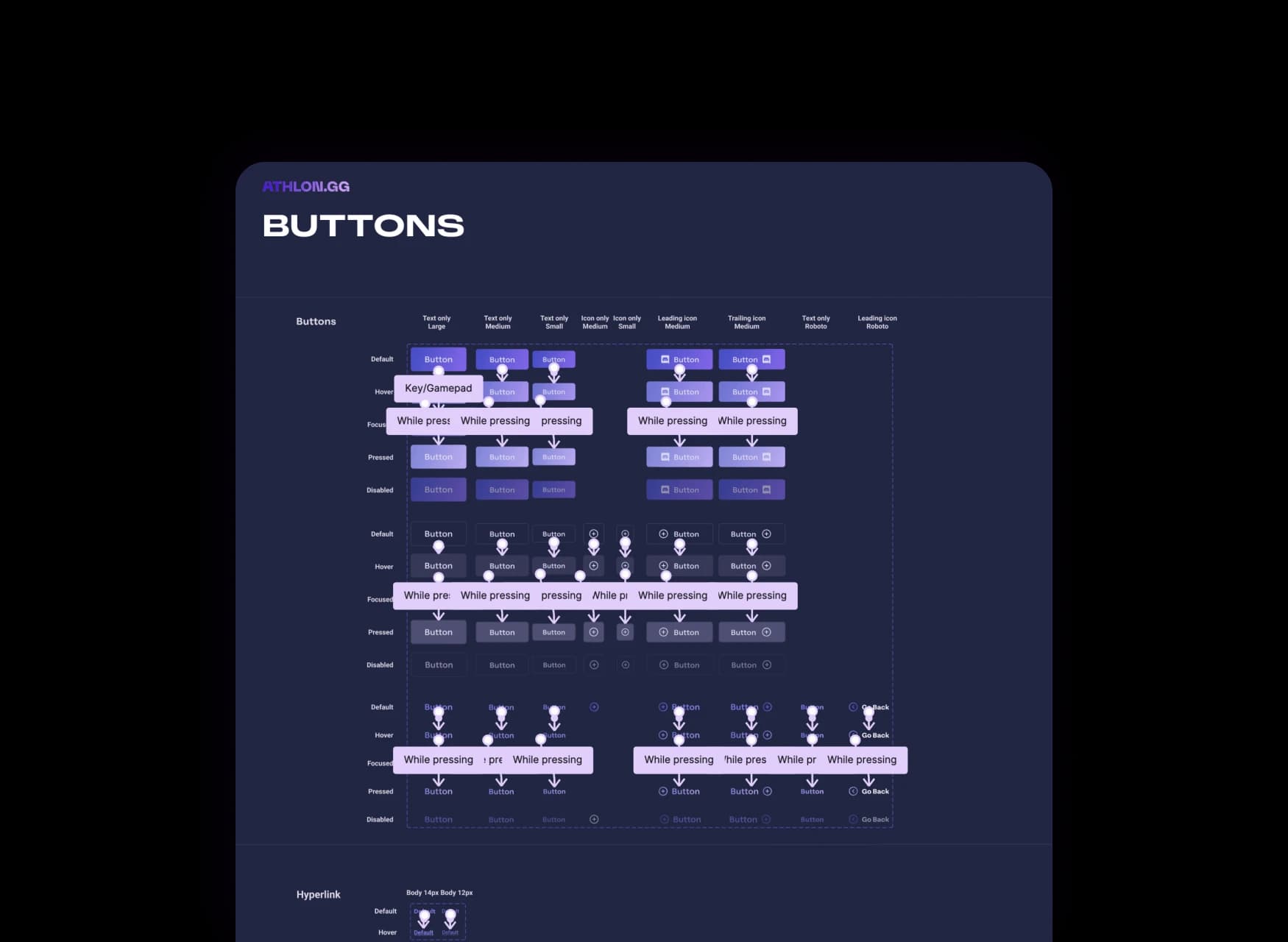
Creation of the components library to organise what we already have.
2. Iterating
Feedback-based iterations of the new flows catered to specific needs of players.
3. Prototyping
Testing the designs among the users & checking if everything makes sense.
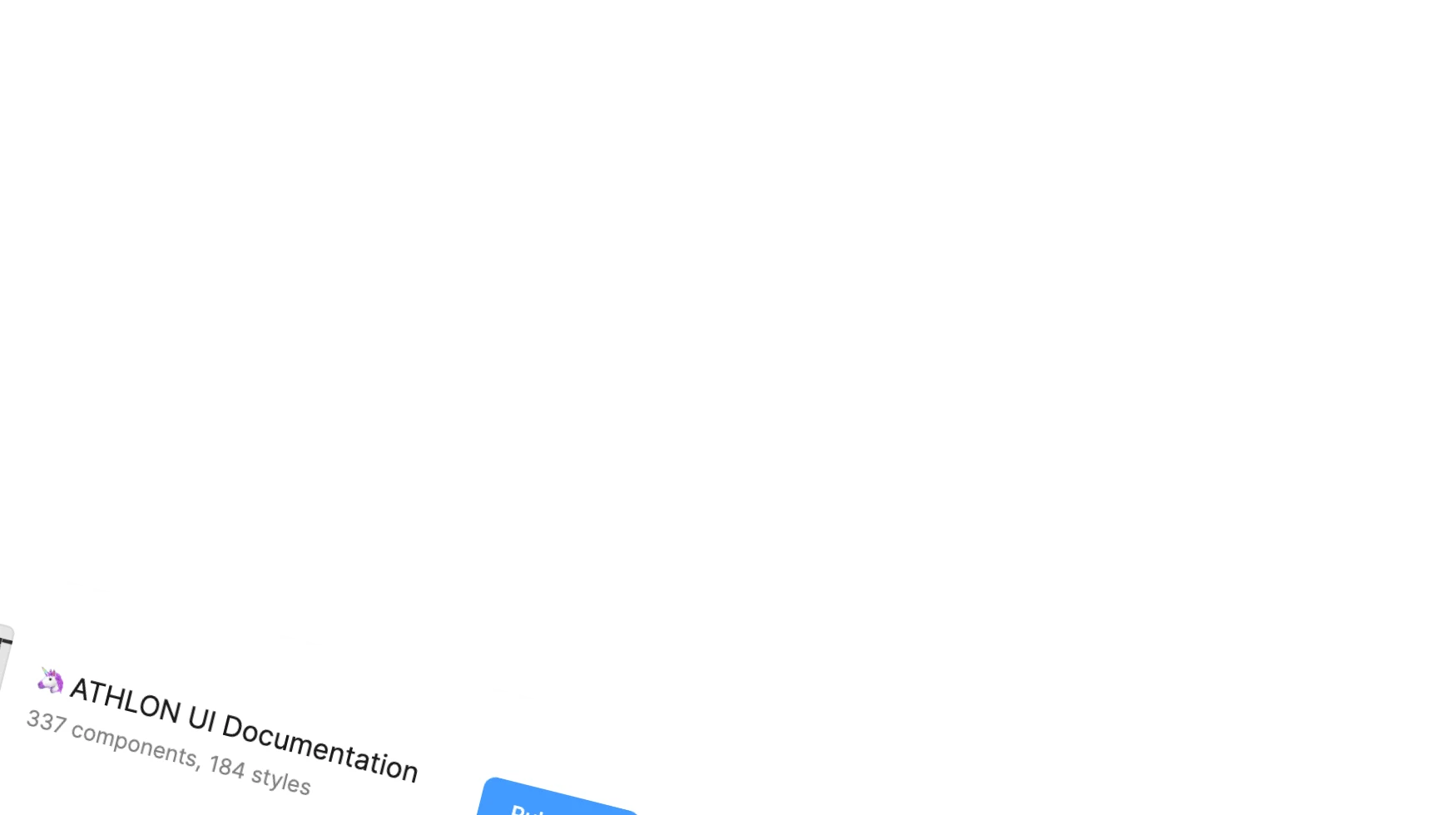
Design system. A repository of reusable components and styles, which greatly sped up the workflow.
With the start of a project the first goal was to get the bigger scope of what we had to work with and how to implement new features with minimal effort and in the best way possible. It was tackled by creating the design system.
3x faster
designing with organized components & styles library. This means no wheels were accidentally reinvented.
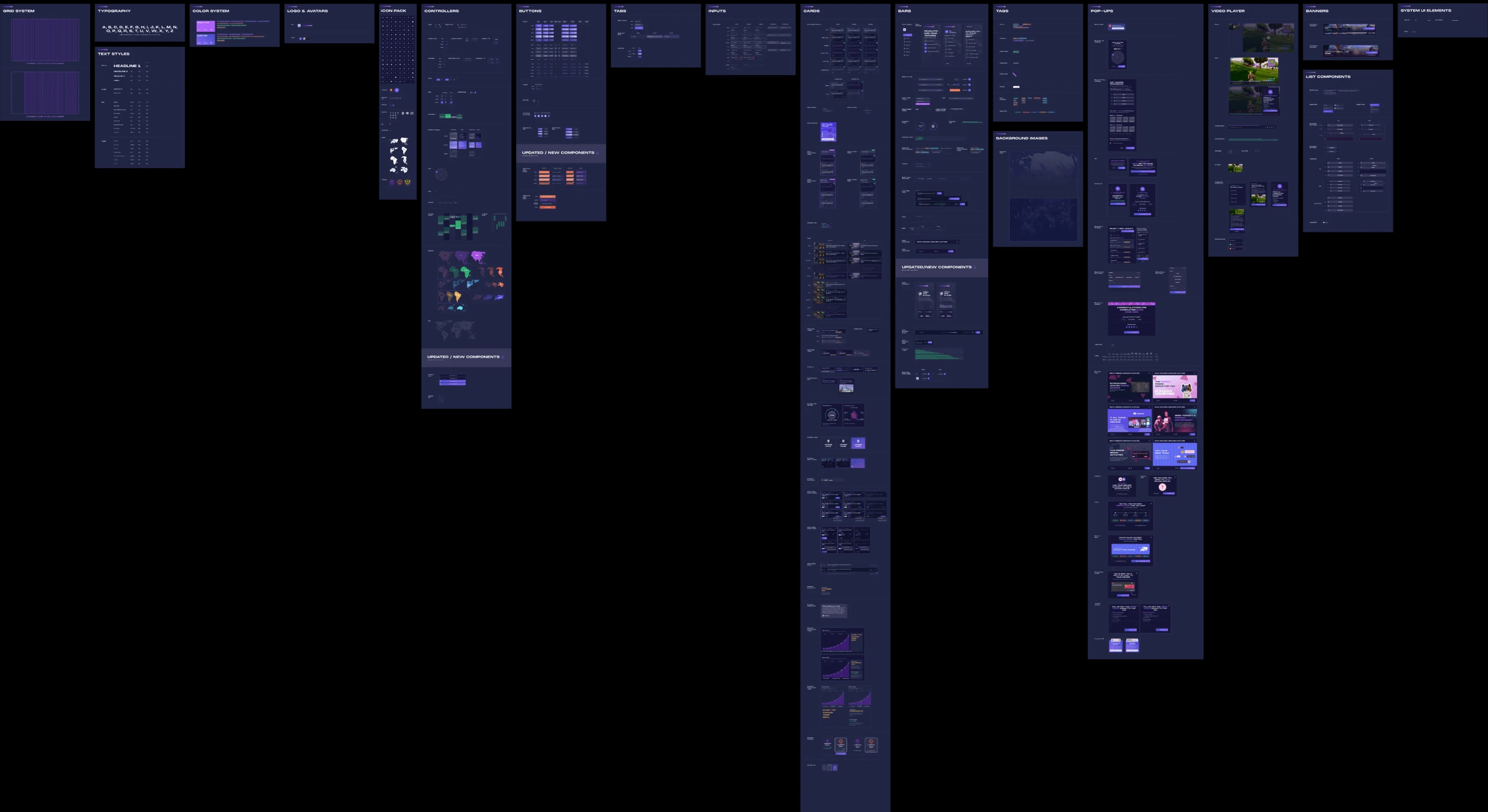
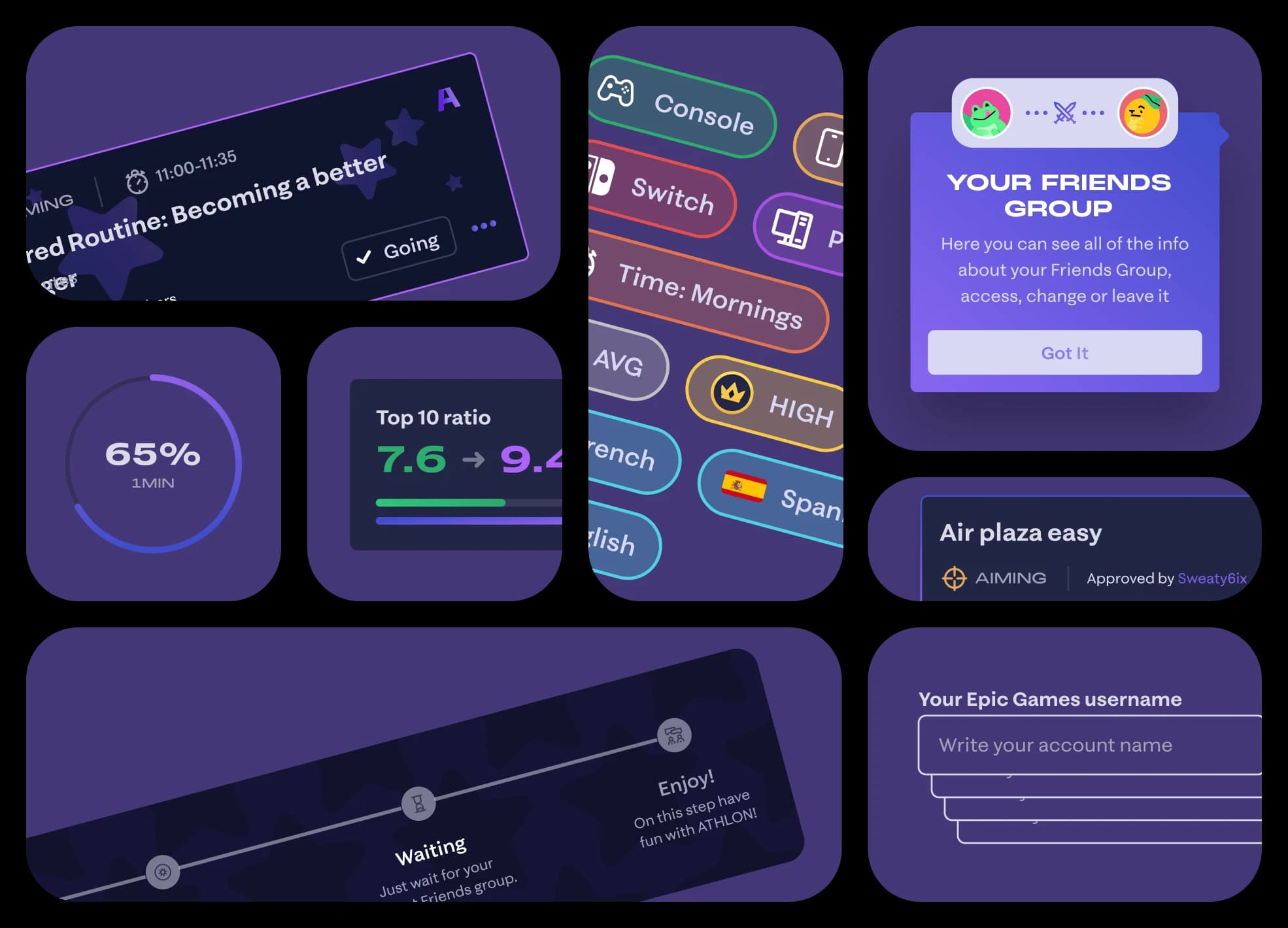
Components. Recreated an array of components, including old as well as new flows. I salvaged a lot from the existing flows, which made creation of some new flows a breeze.
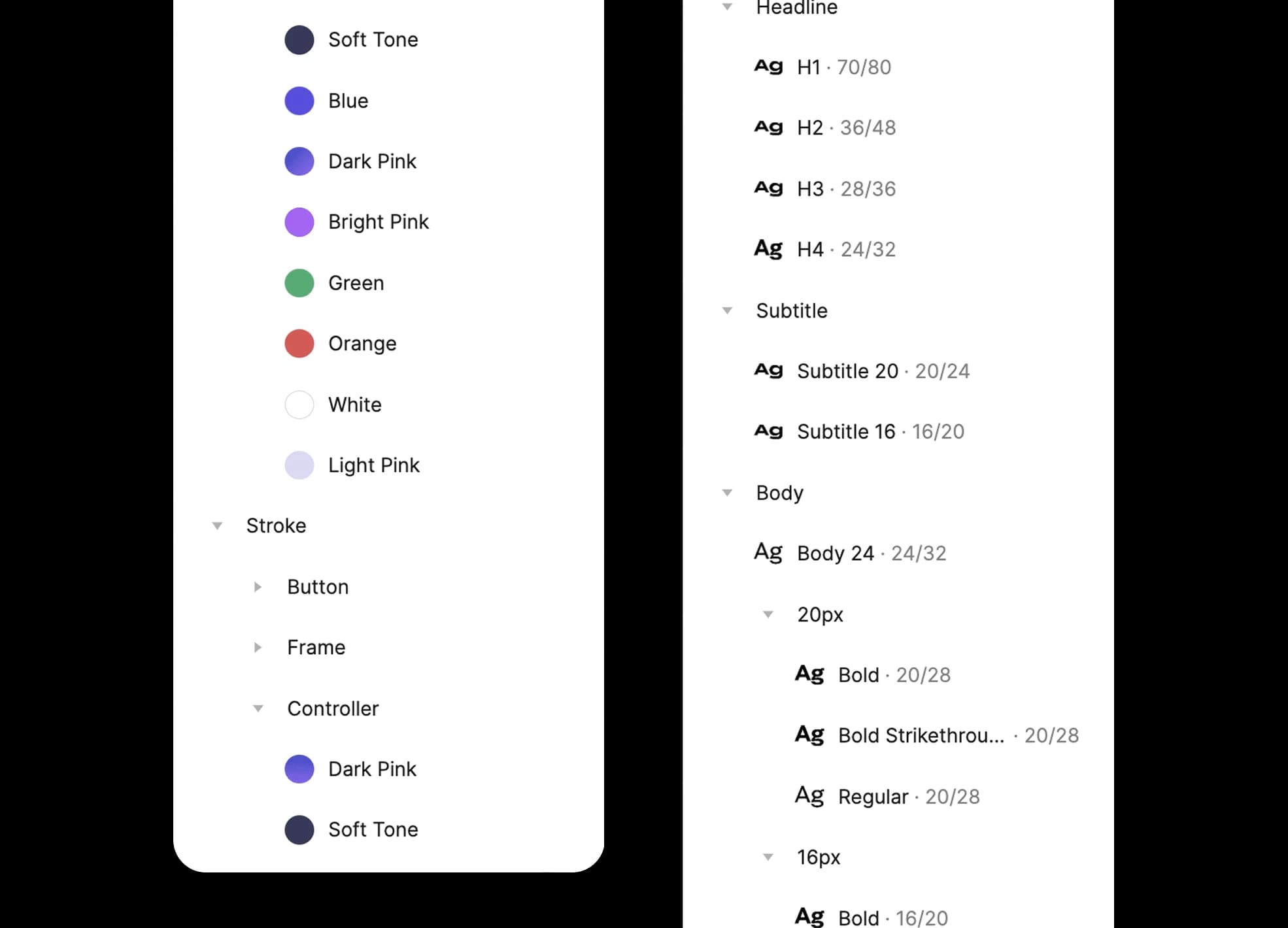
Styles. Components are not tied to a few main styles — instead each style serves a certain component. From this we gain flexibility in minor changes when needed.
Iterative approach. Great designs come from trial and error.
As simple as it sounds, such approach allowed us to refine ideas, try new things and slowly mould the designs to satisfy user needs. Basically, all of the new screens had at least 2 to 3 iterations. Sometimes it was quite challenging to come up with worthy ideas, but in the end there always was a solution.
0 screens
were designed with 0 iterations to perfect them.
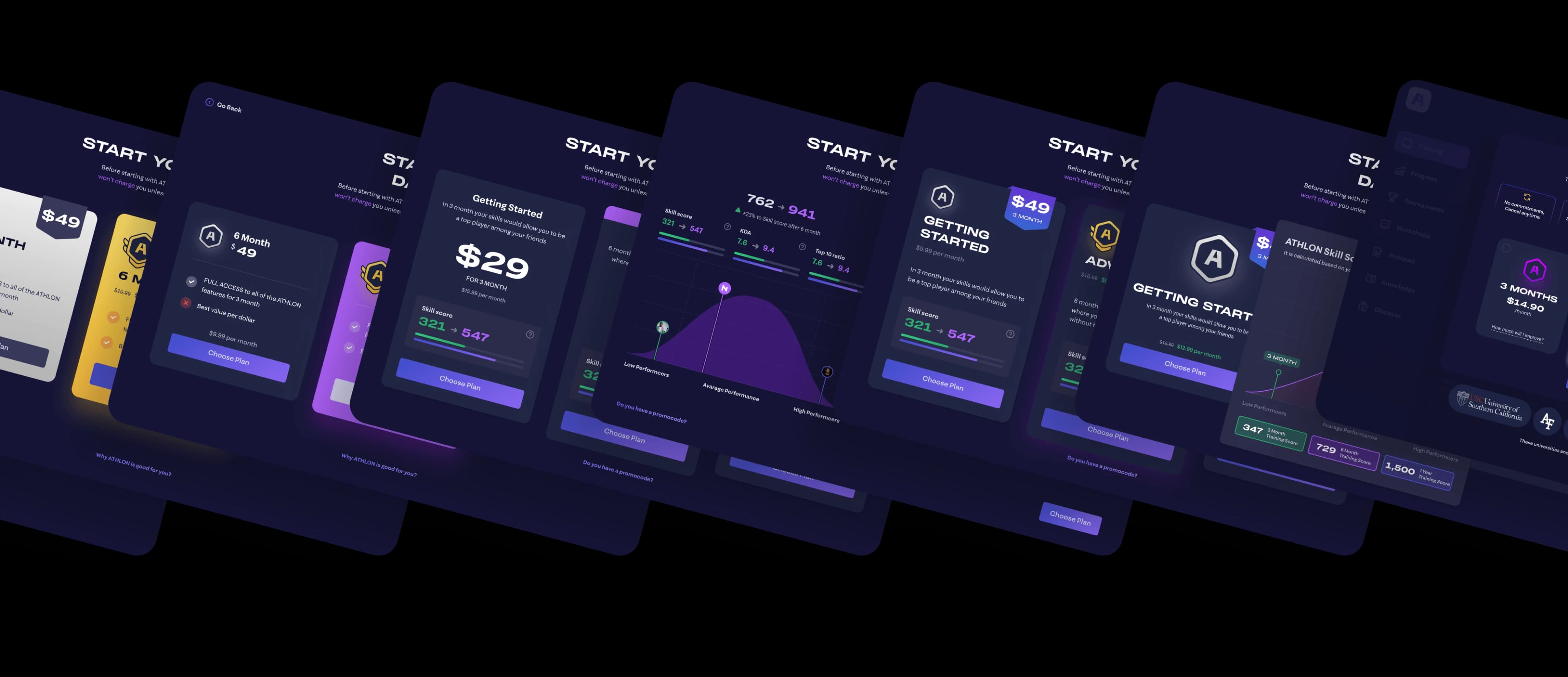
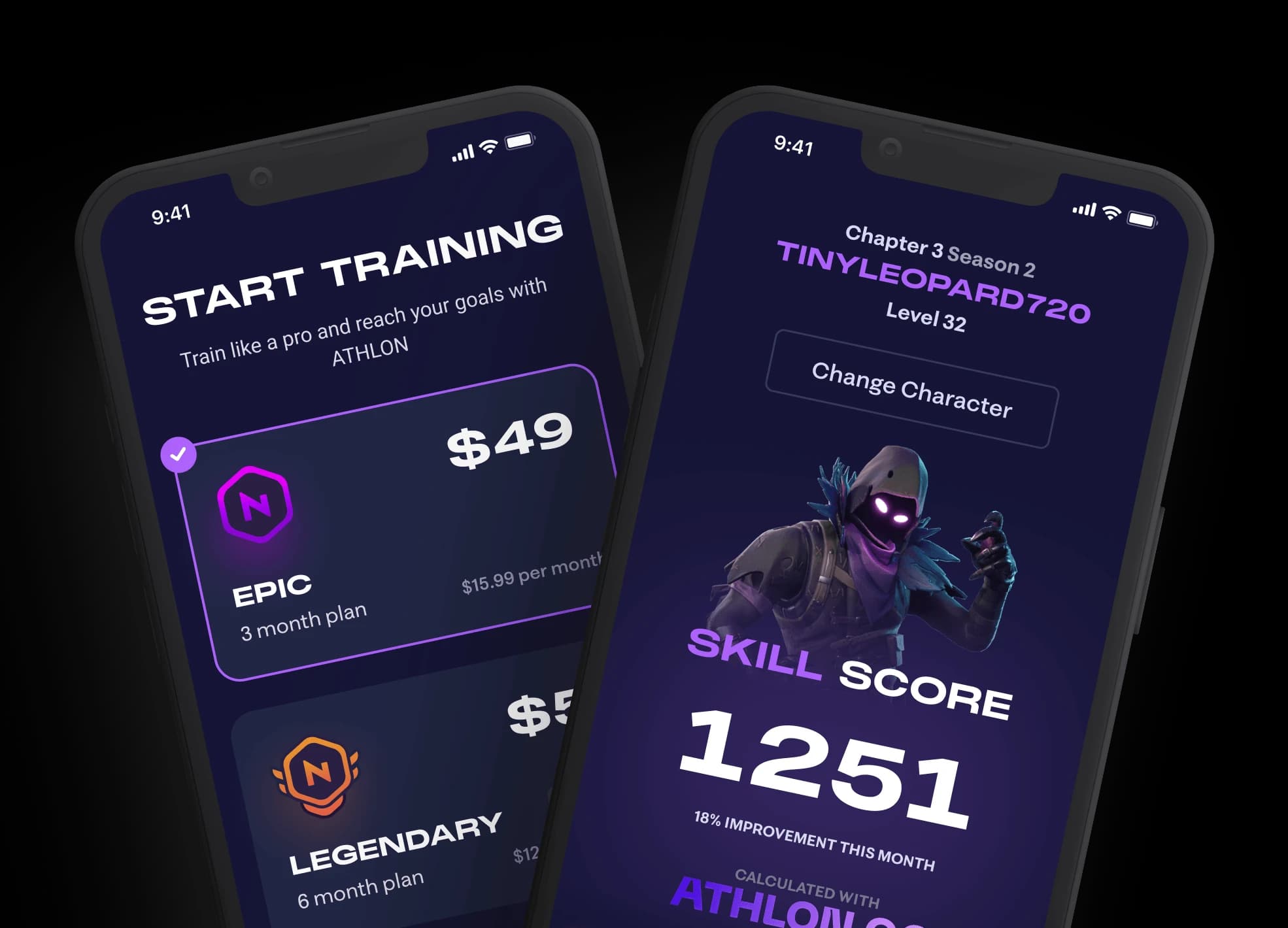
Pricing page. Here are some of the iterations we went through for the pricing page. The main goal of these iterations was to create the most conversion-friendly variant that clearly communicates all the benefits of the available plans.
UX/UI work. Unique needs require sophisticated solutions.
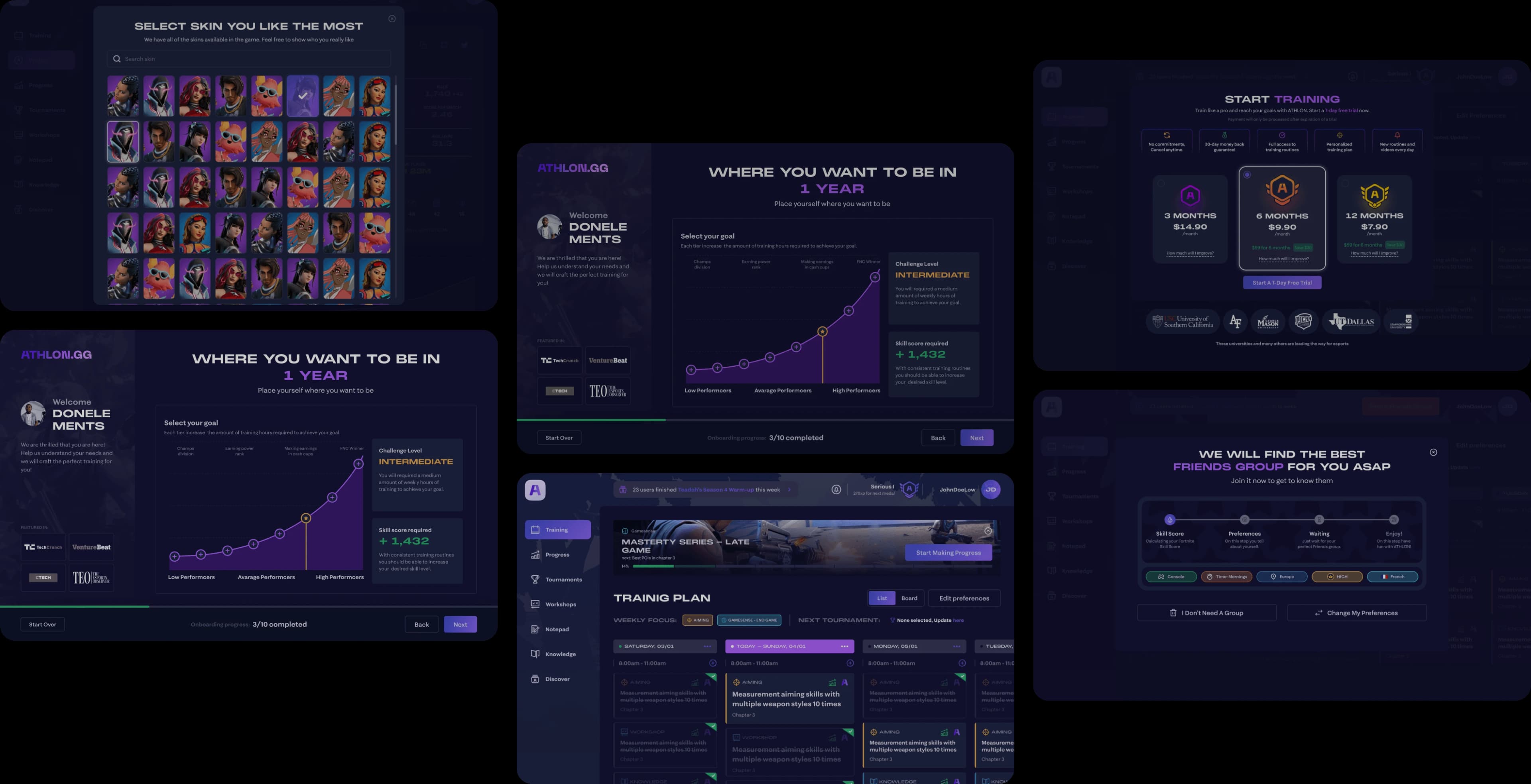
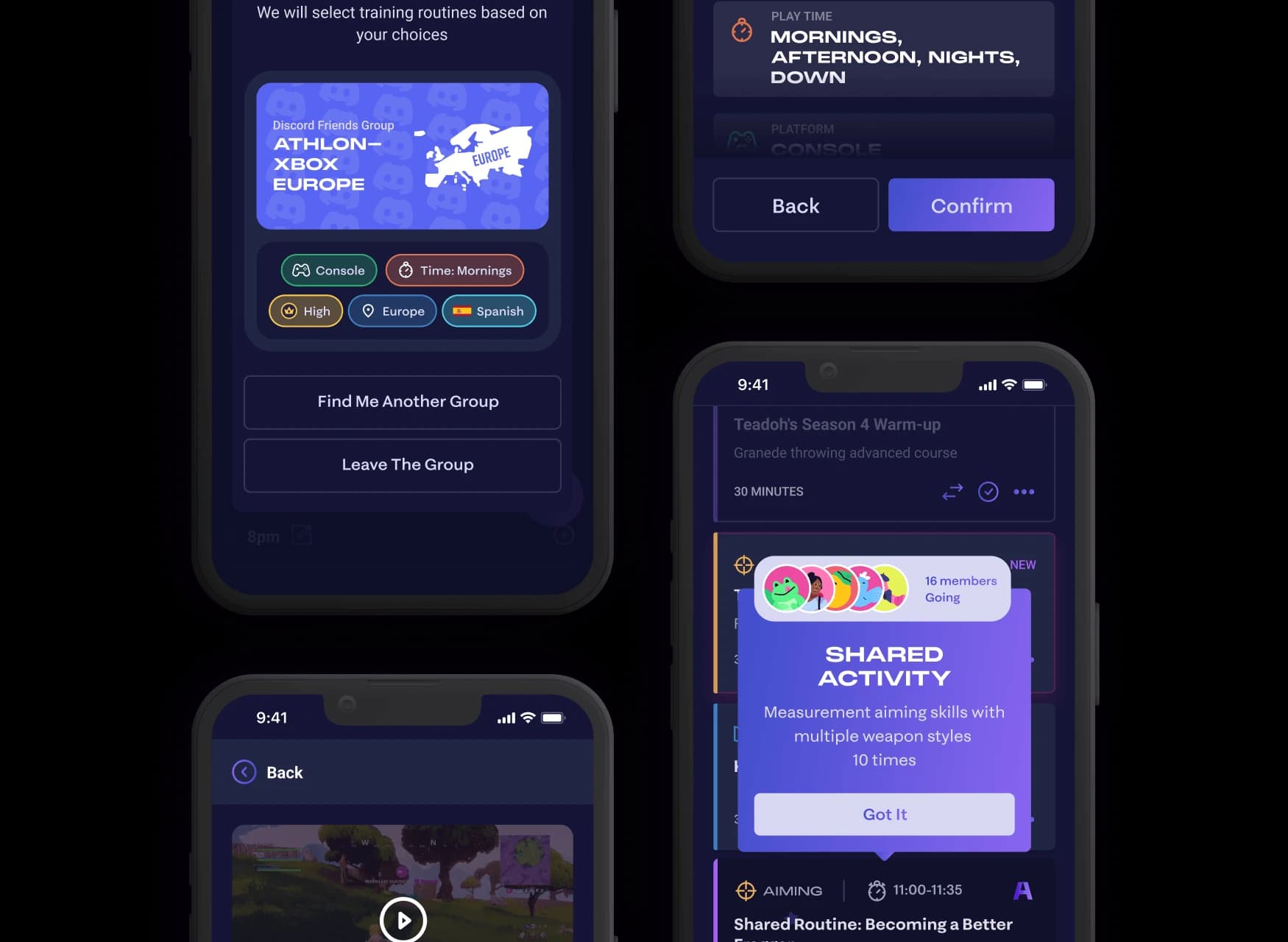
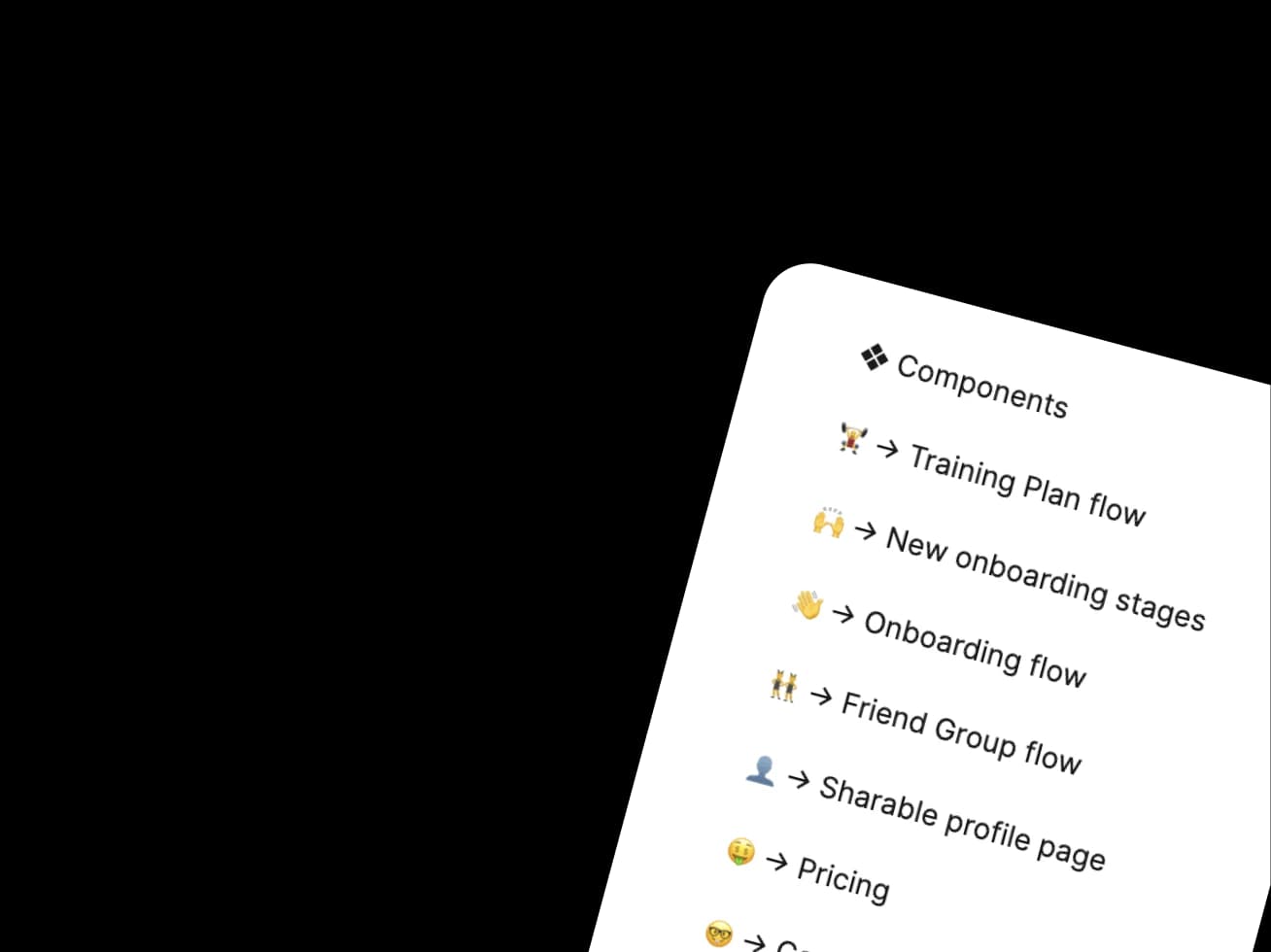
Starting from wireframes the idea of what will be on pages was clearly communicated. Throughout the design process I incorporated quite a few neat features while trying not to lose style's unique charm with a focus on gamification and retention. For example: Friend groups bring a competitive edge. A sharable profile page adds a curiosity gap. Activities in the daily schedule minimise friction needed to complete the task.
12 individual flows
were carefully designed throughout the cooperation.
Flow 01 — Onboarding
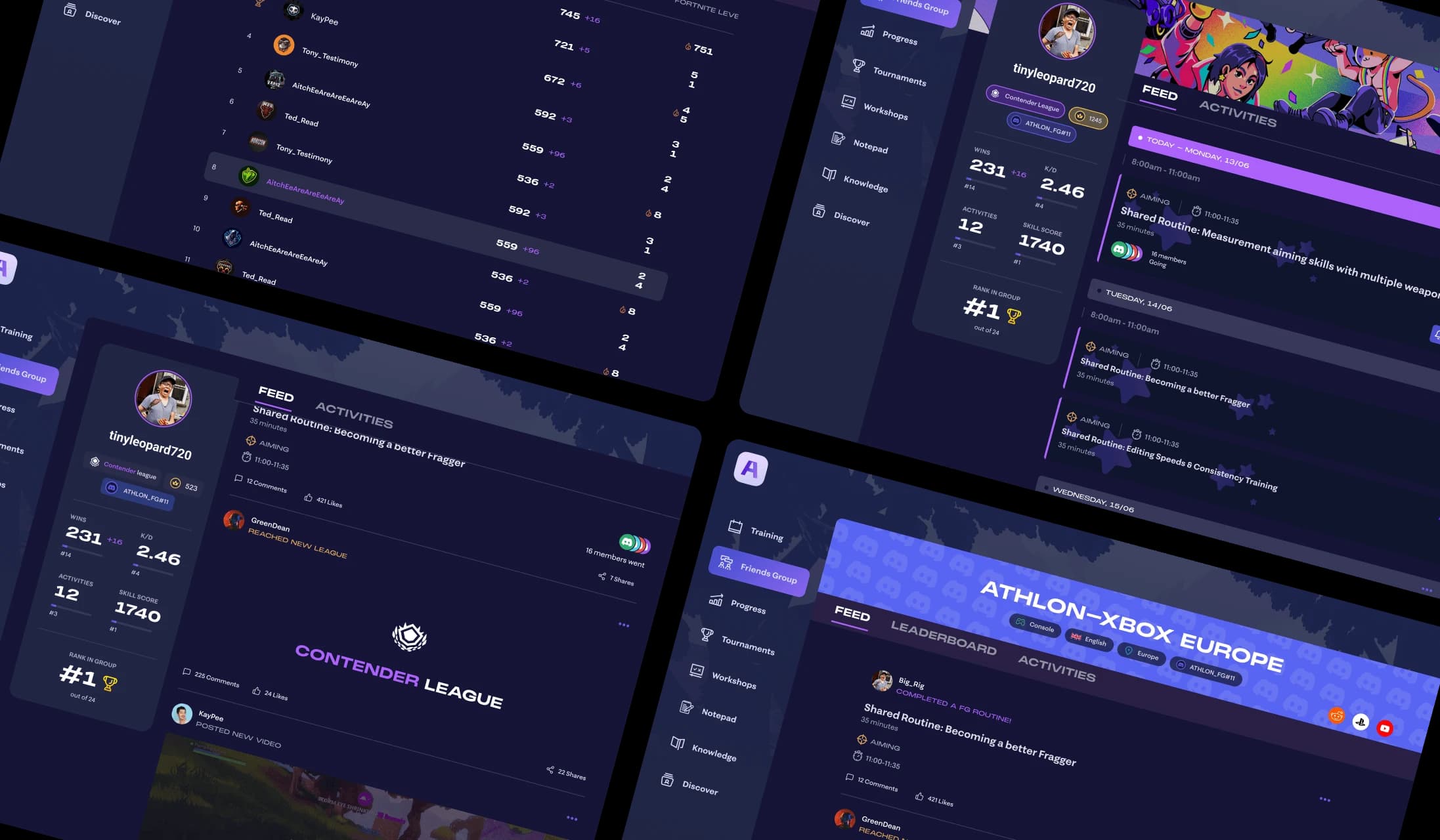
Flow 02 — Dashboard
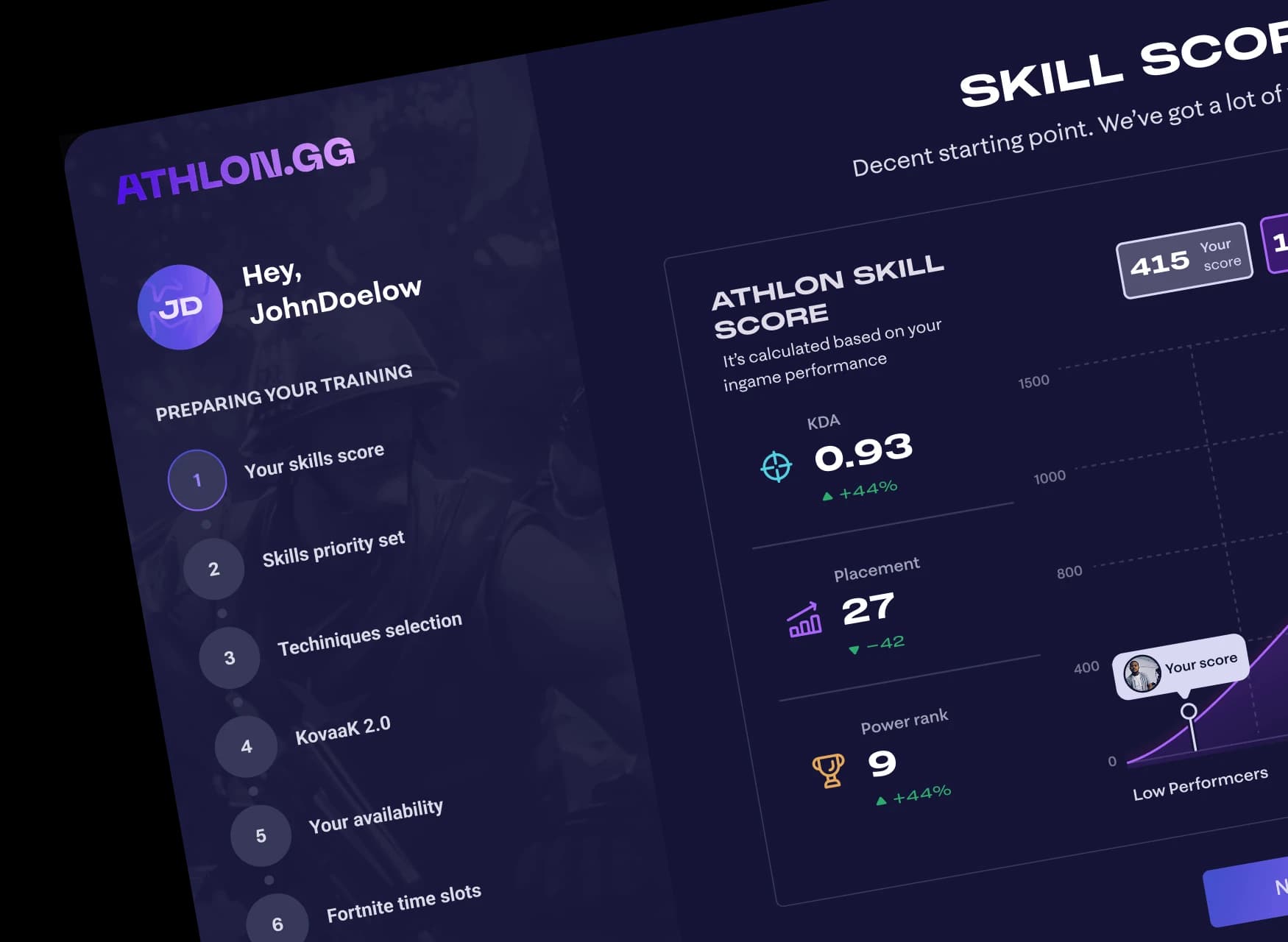
Flow 03 — Friend groups
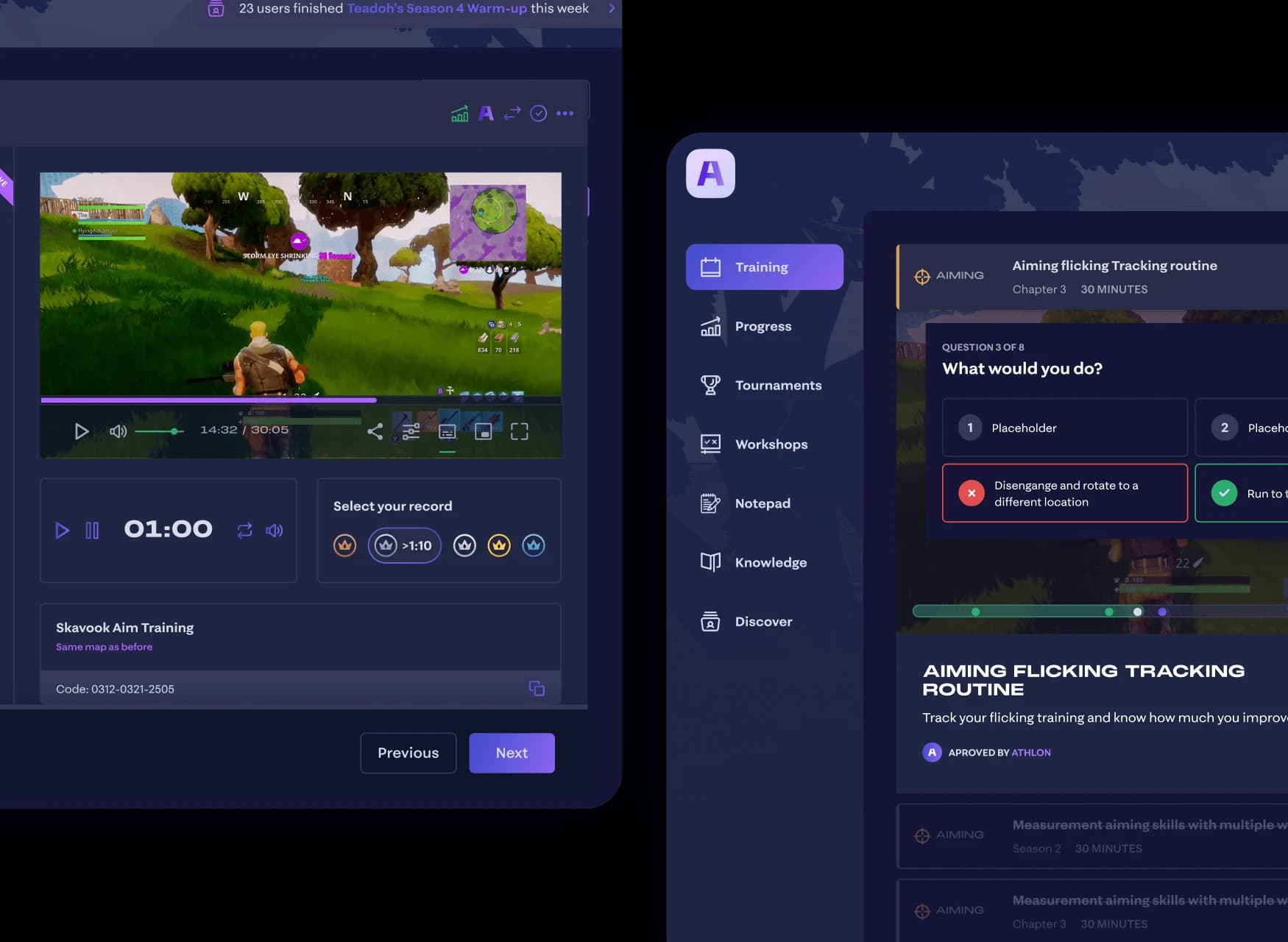
Flow 04 — Daily schedule
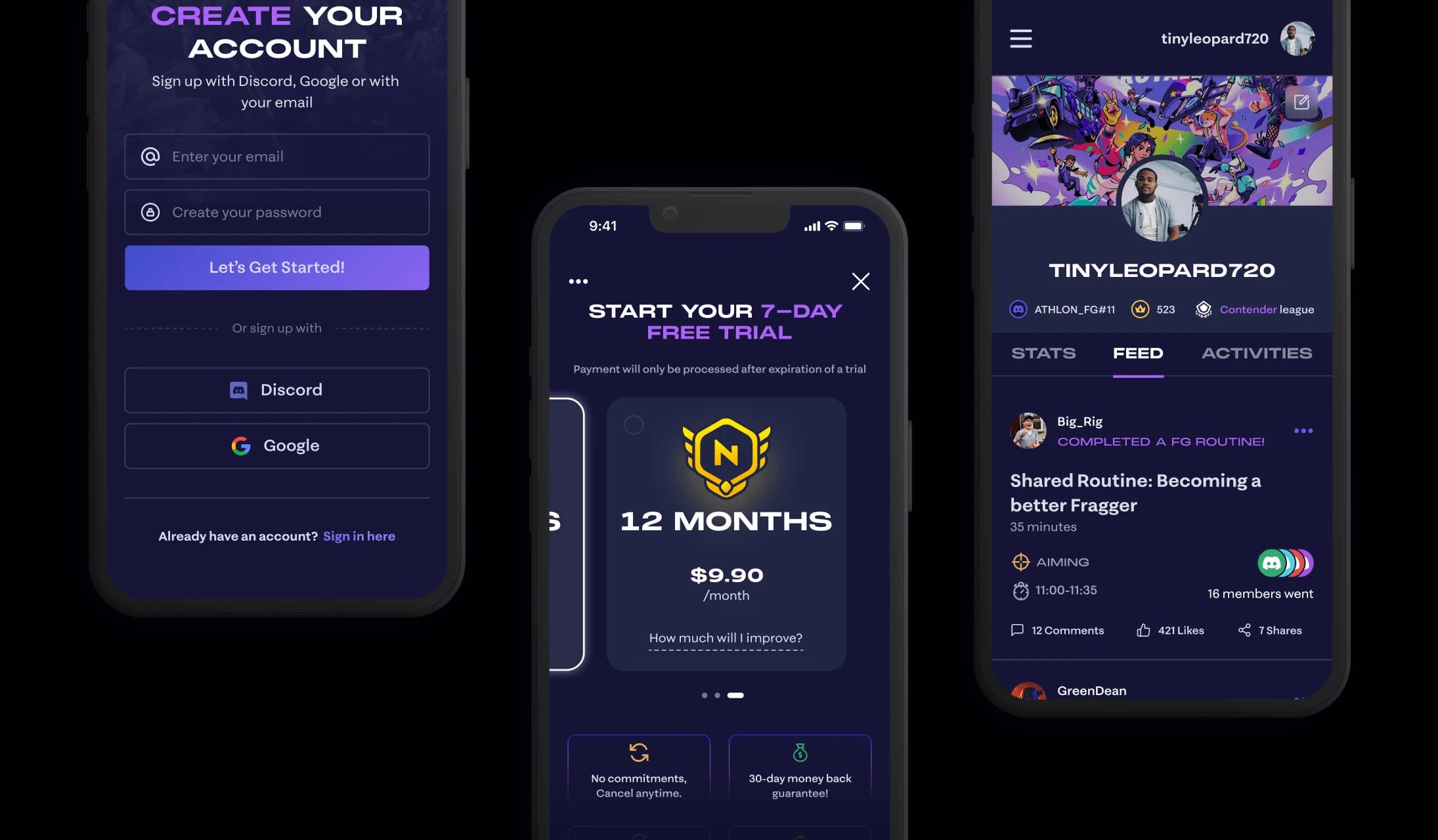
Flow 05 — Profile
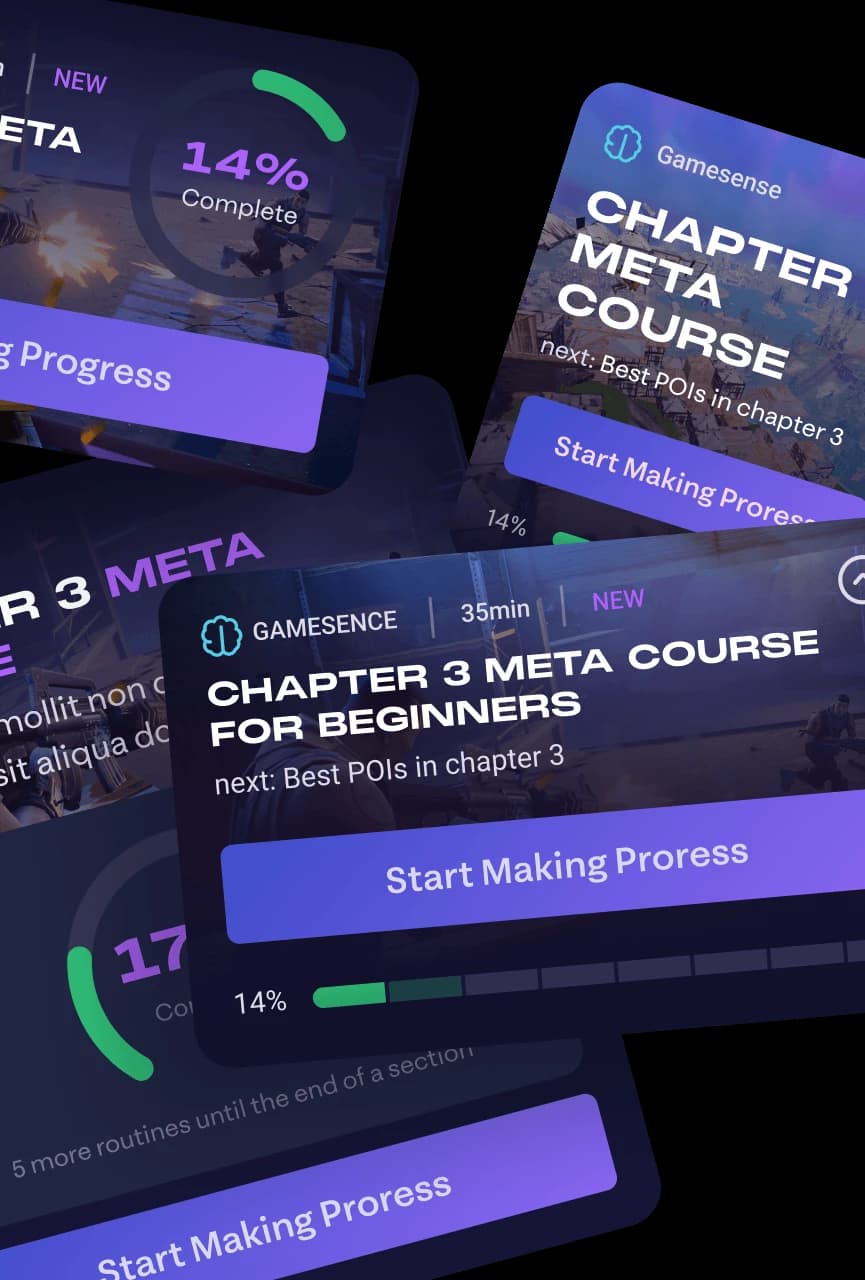
Flow 06 — Challenges
Flow 07 — Leaderboard
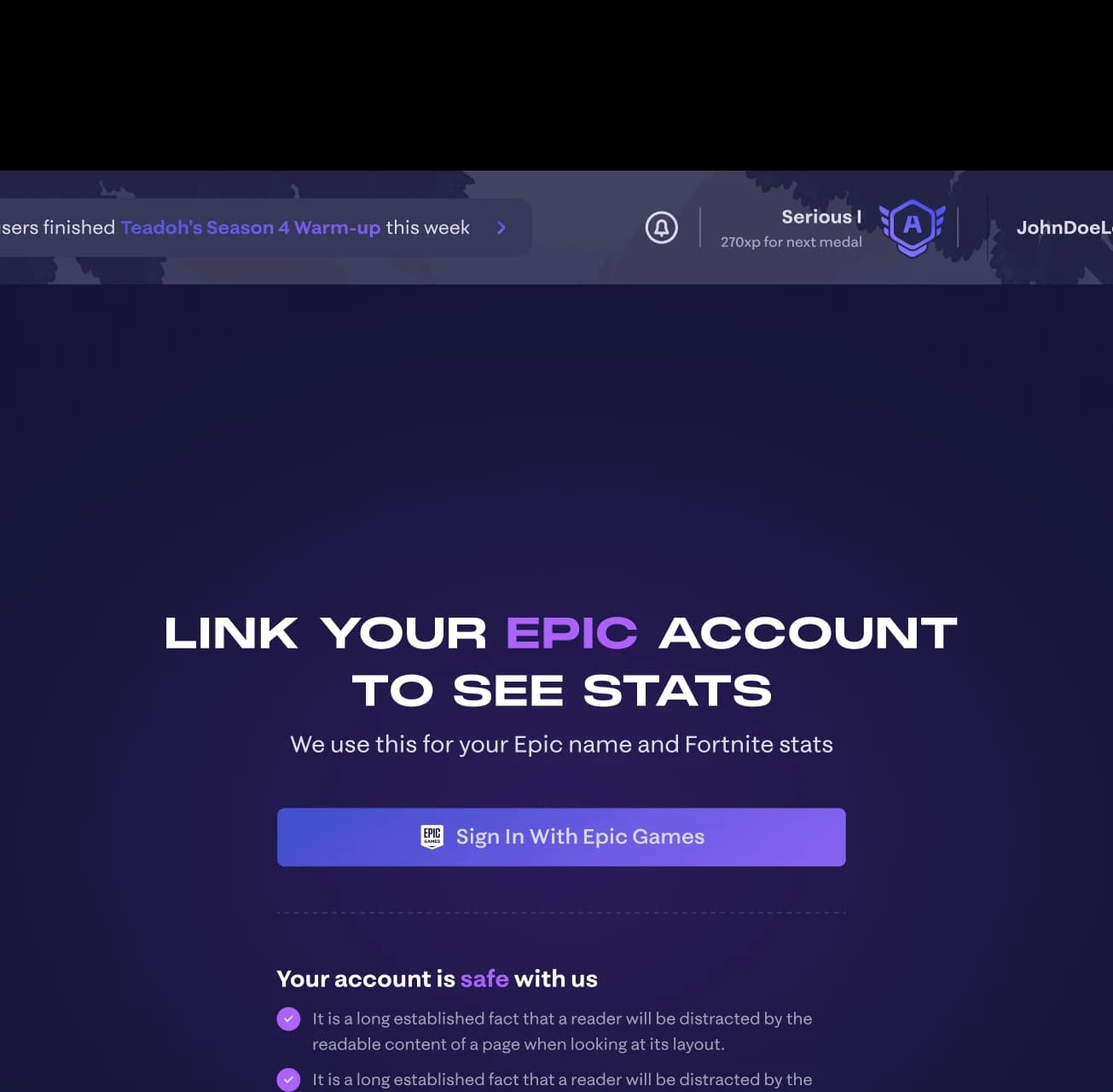
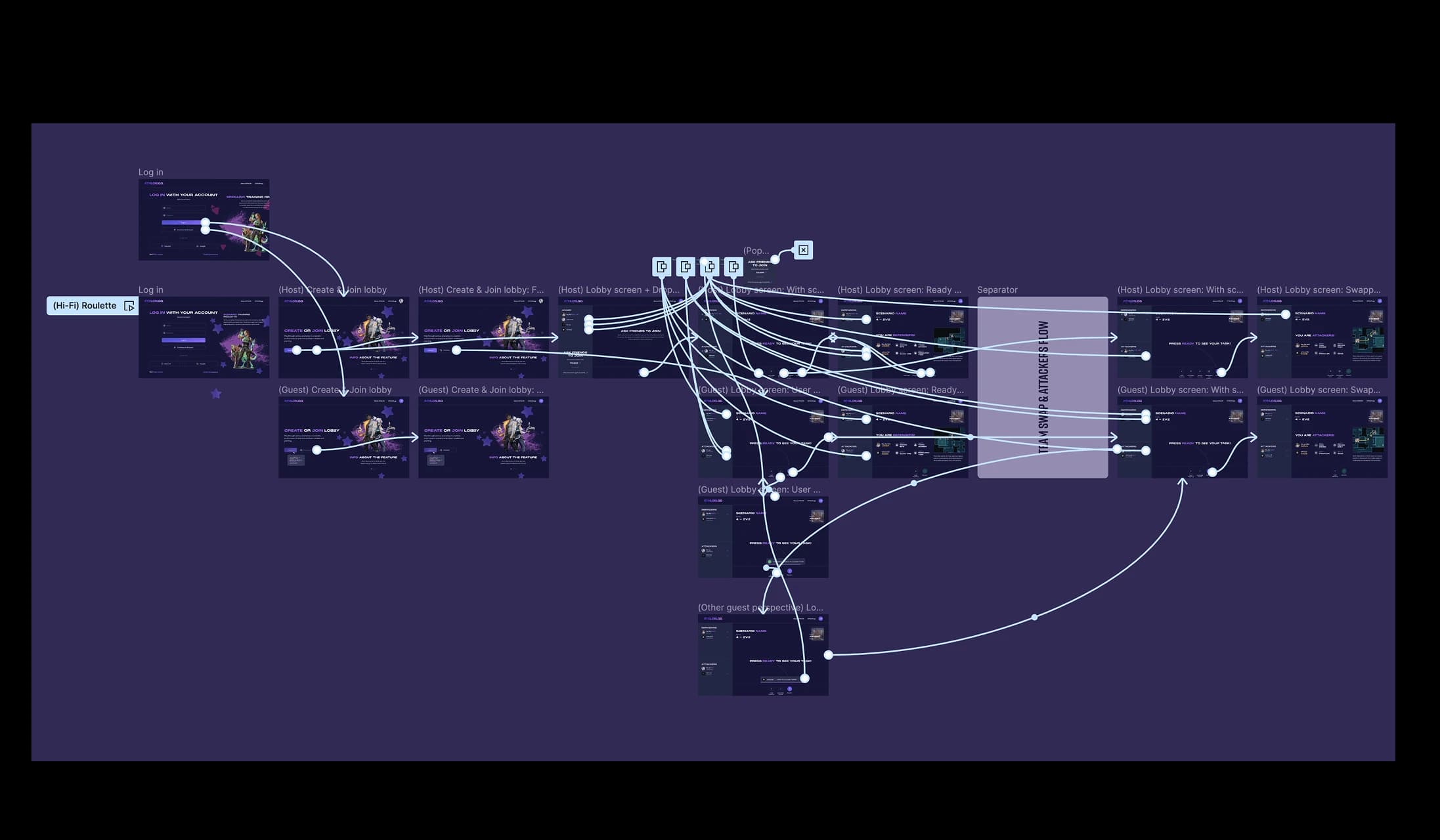
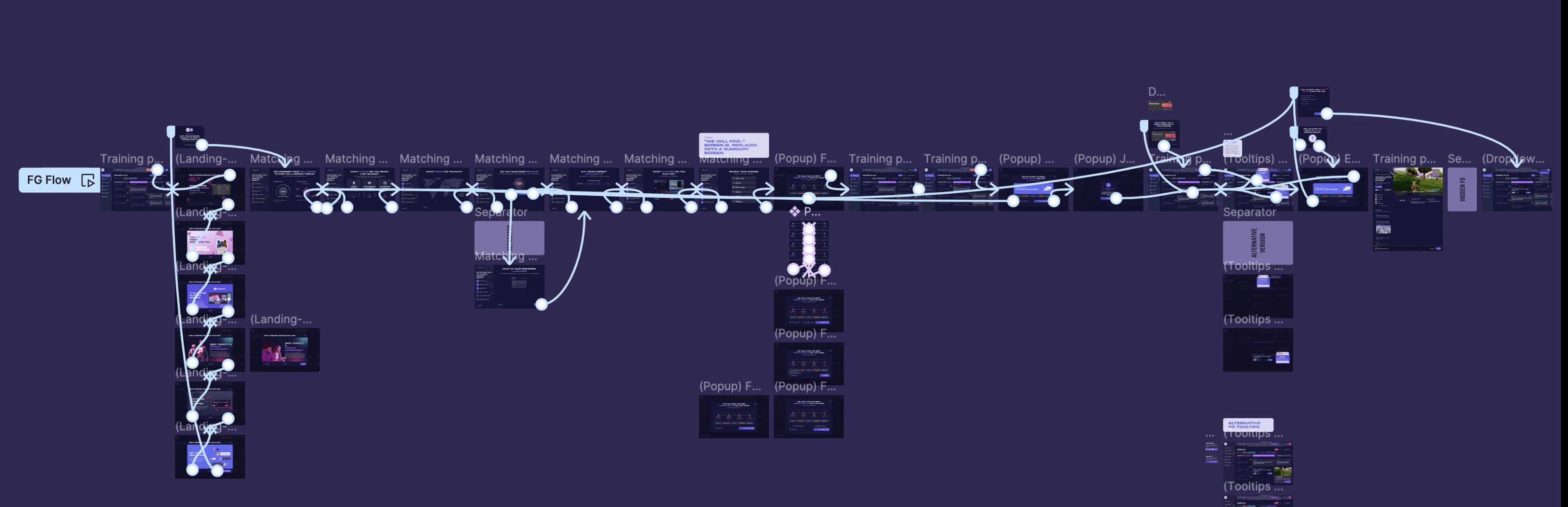
Prototypes. How we dealt with the complexity of the flows.
We used prototypes to determine if there were any issues in logic of the flows and to let the users check if their vision of features aligned with ours. I learned that complex prototypes are an easy way to test designs and don't require as much time.
Reflection. Addressing unique needs with out-of-the-box solutions and continuous improvements.
As an outcome of the cooperation, I created a lot of designs that covered all of the client's requirements as well as user needs. Though, it was challenging to not have a fast and direct feedback from the users, which would benefit us in ability to more deeply align with their needs. Also, some screens required more iterations than usual to achieve worthy designs.
What value have I provided for business and users?
First of all, I implemented the design of planned features in time, as well as, made considerable progress in optimizing the design processes by creating a flexible design system. Platform expanded the set of features compared to what I have started with. The user need for more socialisation was met by adding features that will encourage it in the long run.
gamification
is an awesome retention driver in the long run
2x
more features than when I started
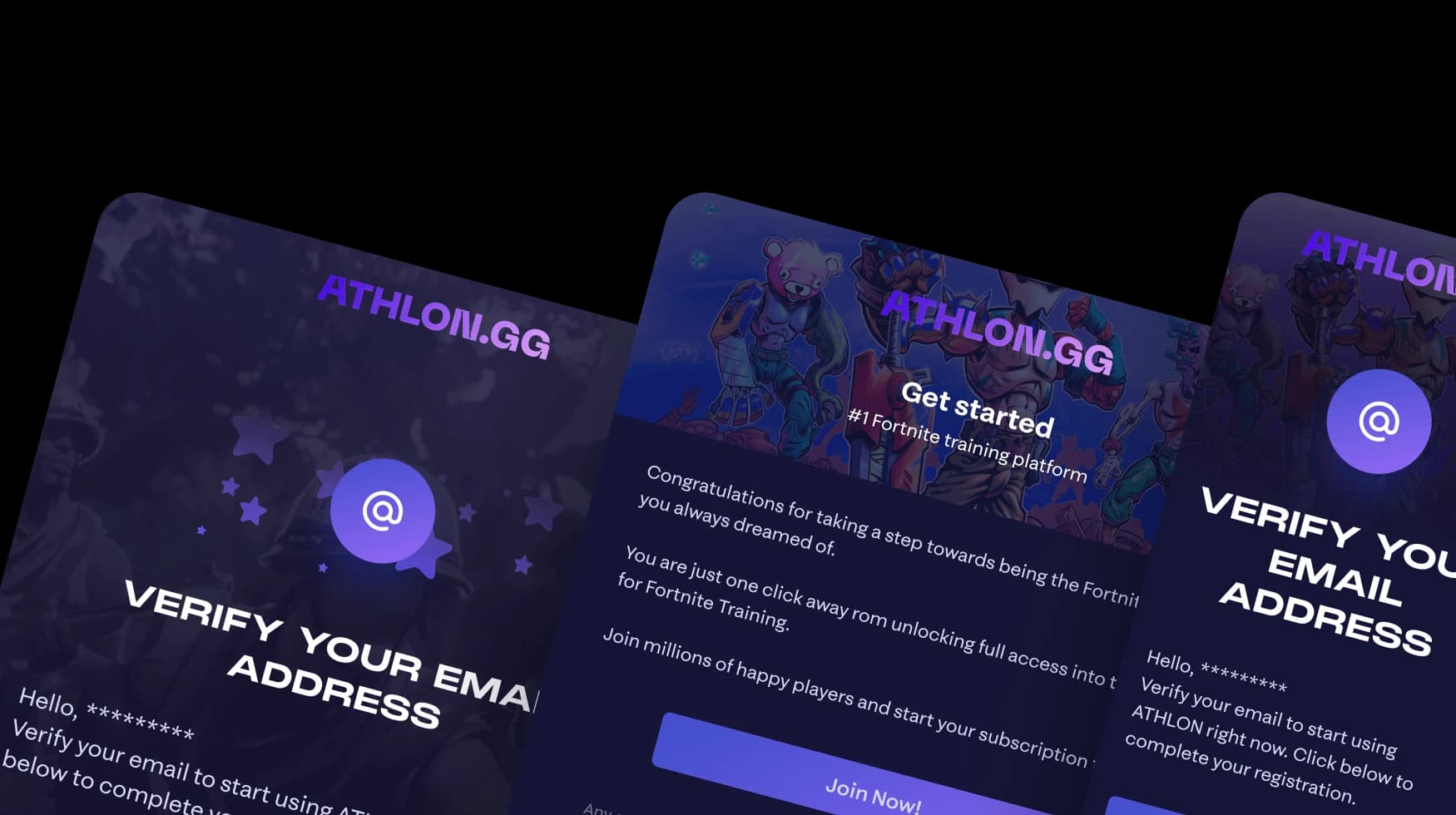
email designs included
Organisational level-up
More than 500 components & styles created
10+ new flows
made with care & components
exactly
+1
project to my favourites
That was an incredible 33 weeks.
I loved working on Athlon and with that team. Designing a platform this ambitious — from research through a full design system and 10+ flows — pushed me to grow fast. I came out a substantially better designer.